Module 1
Module 1: Getting VR Ready: Devices, Accounts, and Setup
Enable instructors to independently set up, configure, manage, and maintain VR headsets and accounts without relying on technical staff.
Set up your headset, accounts, and classroom space from scratch.
8 lessons · ~62 minQuiz
Your learning path
Overview
Preview the module
Tour
Explore the headset
Learn
Interactive lessons
Quiz
Test your knowledge
Results
See your results
Overview
Tour
Learn
Quiz
Results
Topics covered in this module
Essential topics for newcomers
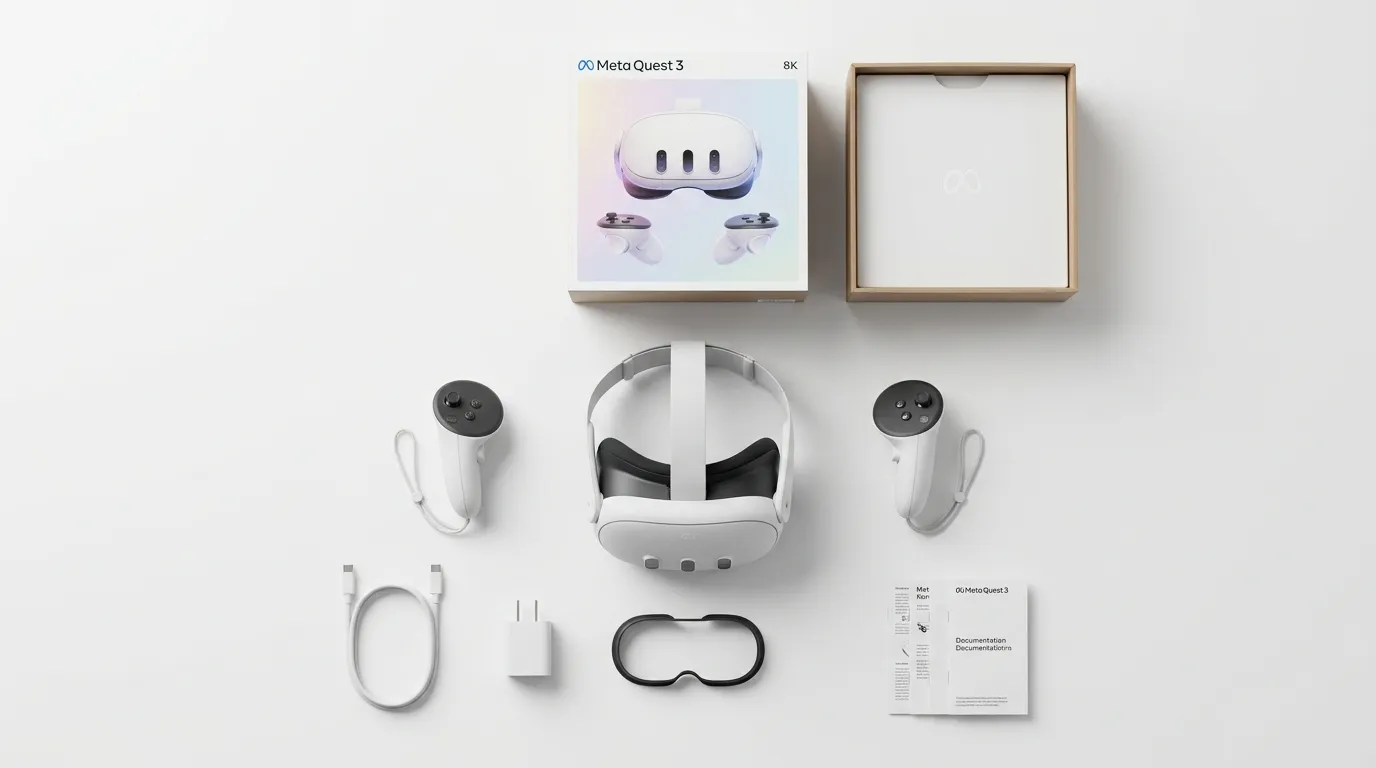
- Getting started: in the box, how to wear, IPD, language
- Meta Quest 3(S) in the classroom
- Connectivity and data
- Guardian (boundary) & settings
- Casting and external display
- Installing from the Store
- Pre-class technical checklist
Also covered
- Types of VR accounts (Meta Quest)
- Personal account
- Institutional account
- Mobile connection
- Organization and storage
- Specifications
- Apps inside the headset
- Cleaning and maintenance
- Accessories
- Meta for Education