Module 3: Classroom Implementation
Practical guidance for running VR sessions in the classroom: space, briefing, rotation, monitoring, and troubleshooting.
Room layout and play areaEssential
Your physical space determines how safe and effective every VR session will be. Plan it before students arrive.
Layout checklist
- Define a clear VR active zone with visible floor markers or tape
- Set up an observation area where non-VR students can watch via casting
- Position yourself where you can see all active students at once
- Place a storage table nearby for headsets, controllers, and hygiene supplies
Lighting
- Avoid completely dark rooms — tracking cameras need some light
- Avoid direct sunlight — it interferes with tracking and will permanently damage lenses if they face the sun
"Never leave a headset with its lenses pointing toward a window."
For detailed space requirements per student, see Module 4: Safety, Wellbeing, and Accessibility.
Student briefing before VREssential
Preparing students before anyone touches a headset prevents most classroom management problems. Spend two minutes on this — it saves twenty later.
What to cover
- Rules: stay within your marked area, keep wrist straps on, follow the assigned task
- Groups: announce group assignments and rotation order before distributing devices
- Roles: each group needs a VR user, an observer who takes notes, and a facilitator who manages time and assists
Set behavioural expectations
- VR is a learning tool, not free play
- When your turn ends, hand the headset to the next person promptly
- If something feels wrong (dizziness, nausea), remove the headset immediately and tell the instructor
"Clear expectations before VR starts mean fewer interruptions during VR."
Distributing and collecting headsetsEssential
A smooth handout starts with preparation the day before — or at minimum, 15 minutes before class.
Device readiness checklist
- All headsets fully charged (not just "enough" — full charge avoids mid-session shutdowns)
- WiFi connected and verified on each device
- Controllers paired to their matching headset — use coloured stickers or numbered labels so students can identify pairs instantly
- Apps pre-loaded and updated — never rely on downloading during class
- Hygiene supplies ready: disposable face covers, antibacterial wipes, a cloth for lenses
Distribution process
- Hand out one headset at a time to each group's designated VR user
- Confirm the student can see the home screen before moving to the next group
- Keep spare batteries or a power bank accessible
"Label everything. A sticker on each controller saves five minutes of confusion."
During the session: monitoring and castingEssential
Once headsets are on, your role shifts from instructor to monitor. Resist the urge to over-intervene.
Student responsibilities
- Stay inside the marked boundary at all times
- Keep wrist straps on — no exceptions
- Adjust the headset for a clear image before starting the activity
- Follow the assigned task, not free exploration
Instructor responsibilities
- Cast at least one headset to a screen so you can see what students see
- Walk the room and watch for students drifting out of their zones
- Note observations for debriefing — what students do well, where they struggle
- Offer a brief verbal prompt only if a student is visibly stuck
Avoid unnecessary interruptions. Tapping a student on the shoulder while they are immersed is startling. Use a calm voice or the casting screen to communicate.
"Monitor actively, intervene minimally."
 Click to enlarge
Rotation and group managementEssential
When you have fewer headsets than students, station rotation is the solution. It keeps every student engaged, not just those wearing headsets.
Example setup: 4 headsets, 12 students
- Group A (4 students): VR station — actively using headsets
- Group B (4 students): Observation station — watching the cast screen, completing an analysis worksheet
- Group C (4 students): Complementary station — related non-VR activity (reading, discussion, writing task)
Rotation rules
- Each station lasts 10–15 minutes
- Use a visible timer or announce transitions clearly
- Groups rotate in a fixed order so every student gets equal VR time
- Assign a group leader to manage transitions within each group
"Limited headsets are not a limitation — they are a reason to design better activities for every station."
 Click to enlarge
Time managementReference
VR fits into a standard class period, but only if you plan every minute. Here is how to structure a 50-minute class with three rotation groups.
Sample timeline
- 0–5 min: Briefing — objectives, rules, group assignments
- 5–20 min: Rotation 1 — each group at their first station
- 20–22 min: Transition — groups swap stations
- 22–37 min: Rotation 2 — each group at their second station
- 37–39 min: Transition
- 39–49 min: Rotation 3 — each group at their final station (can be shortened to 10 min)
- 49–50 min: Quick wrap-up and device collection
Key principle: keep individual VR time to 10–15 minutes maximum. Longer sessions cause fatigue without proportional learning gains. The non-VR stations are where reflection and deeper processing happen.
Common issues and quick fixesReference
Every VR class hits bumps. Knowing the common ones means you can fix them in seconds instead of losing the session.
Issue → Quick fix
- Student gets distracted, explores freely instead of following the task → Verbally redirect using their name. If persistent, pause their session and reassign the task.
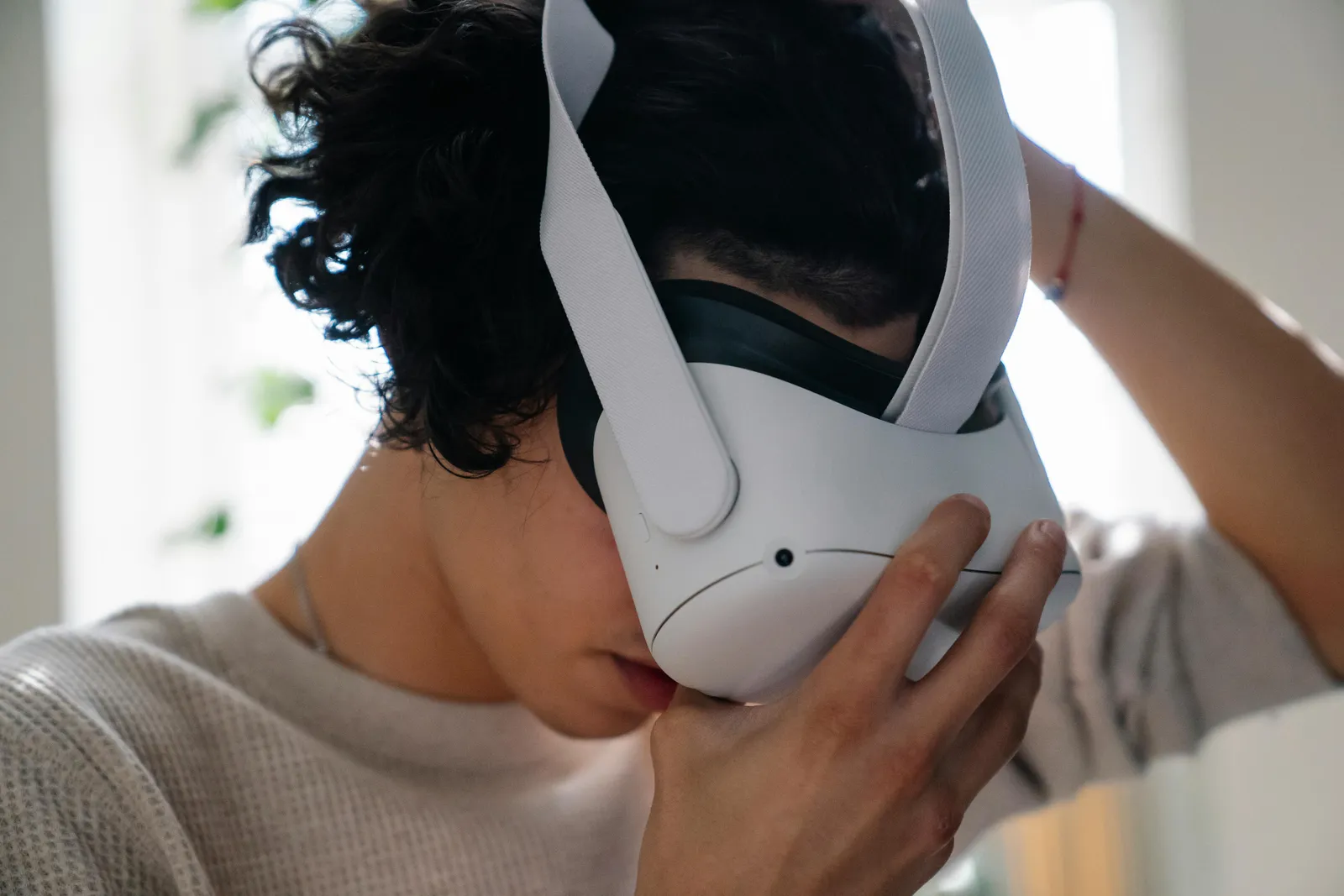
- Headset does not fit properly → Adjust the top strap first, then side straps. Use a thicker face cover for smaller heads. Have multiple face cover sizes available.
- Student ignores the assigned task → Remove the headset briefly, re-state the objective, then let them continue. Do not argue while the headset is on.
- WiFi drops mid-session → Pre-download content when possible. Keep a mobile hotspot as backup. If the app requires connectivity, swap to an offline activity.
"Anticipate problems and have a plan B ready before class starts."
Safety and rules in classEssential
Safety during VR sessions is covered in detail in Module 4. The non-negotiable rules to enforce every session: clear floor area, wrist straps on, boundary system active, and instructor line of sight at all times.
See Module 4: Safety, Wellbeing, and Accessibility for the complete safety guide, including how to respond to discomfort and motion sickness.
First session tipsReference
Your first VR class will be chaotic. That is normal. Lower your expectations and focus on comfort, not curriculum.
Survival tips for session one
- Start with the simplest possible app — a guided tour or passive 360 video, not a complex simulation
- Keep VR time to 5 minutes maximum — just enough for students to put on the headset, look around, and take it off
- Focus on hardware comfort — adjusting straps, finding the right fit, understanding controllers
- Expect noise and excitement — students will react loudly; plan for it rather than fighting it
- Do not attempt a graded activity — the first session is about familiarisation, nothing more
After the first session
- Ask students what felt comfortable and what did not
- Note which students had trouble with the headset fit
- Adjust your station layout based on what you observed
"A successful first session is one where every student tried VR and nobody got hurt. That is the entire goal."
Wrap-up and debriefReference
The last five minutes of class are critical for device longevity and next-session readiness. Build a shutdown routine and follow it every time.
End-of-class checklist
- Controllers stored with their matching headset — stickers and labels make this instant
- Lenses cleaned gently with a microfibre cloth (never paper towels or clothing)
- Face covers disposed of or set aside for cleaning
- Headsets powered off completely — not sleep mode, fully off. Sleep mode drains the battery overnight.
Charging
- Plug in all headsets at the end of the day
- Use a charging station or labelled cables so each headset returns to its spot
- Check charge levels before the next class
"A consistent shutdown routine adds two minutes to every class and saves hours of troubleshooting."