Module 0: Basic Foundations of VR, AR, and XR
A clear, practical understanding of immersive technologies, the hardware involved, and realistic expectations for classroom use.
What is Virtual Reality (VR)?Essential
This section provides a foundational overview of Virtual Reality (VR), Augmented Reality (AR), and Extended Reality (XR), with a specific focus on their application in educational contexts. Its goal is to help educators understand what each technology is, what students experience when using it, and how it can support learning objectives in the classroom.
Definition and Purpose
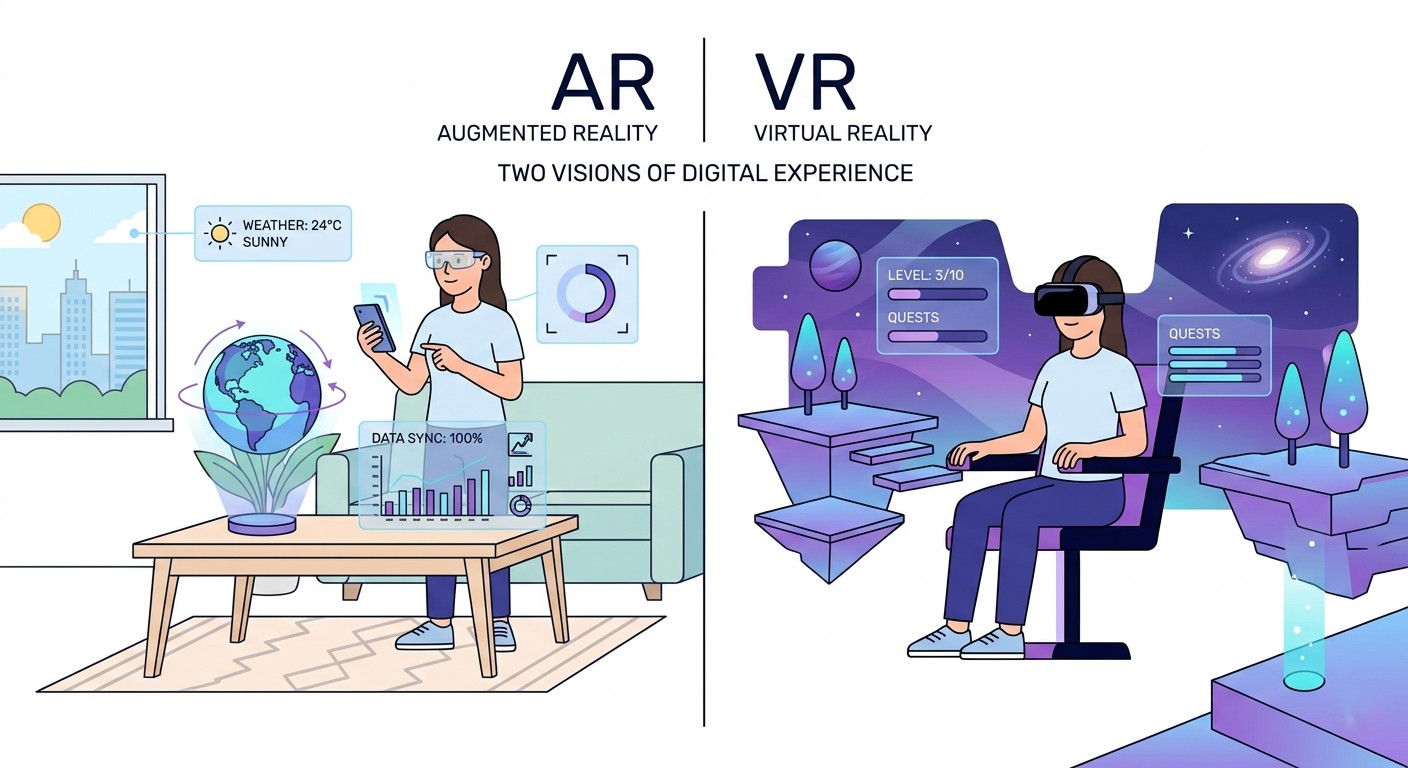
Virtual Reality (VR) is a fully immersive digital technology that replaces the real-world environment with a computer-generated one. When a student uses VR, they are no longer visually aware of the physical classroom. Instead, they are placed inside a 360-degree virtual environment designed to simulate spaces, situations, or experiences.
The primary objective of VR in education is to enable experiential learning. Rather than receiving information passively, students actively participate in simulated environments that are difficult, dangerous, expensive, or impossible to recreate in real life.
VR replaces reality instead of adding to it.
Student Experience
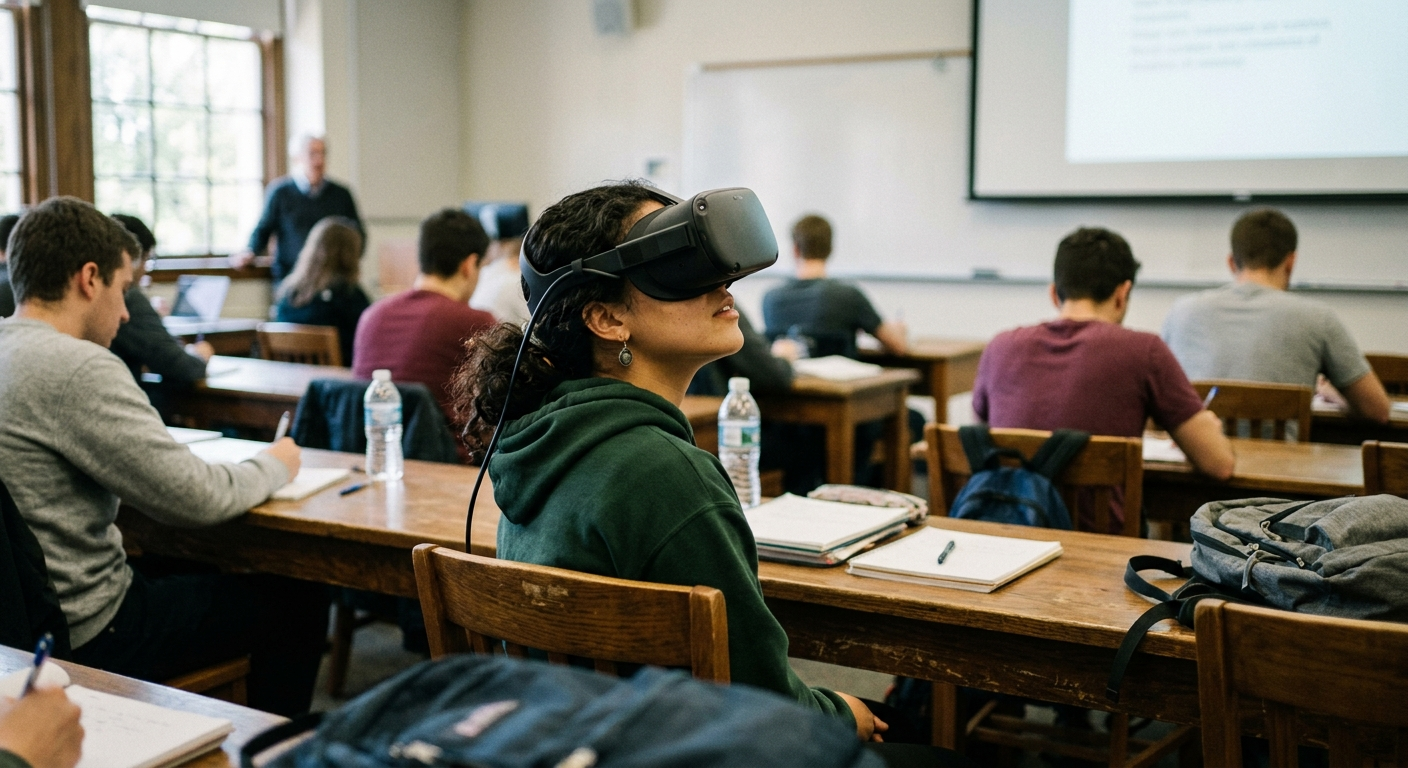
From the student's perspective, VR creates the sensation of being present inside a digital world. They can look around in all directions and interact with virtual objects, spaces, and scenarios. The physical classroom, their surroundings, and other students are no longer visible during the experience, which allows for a high level of focus and immersion.
Next: Prepare your headsets
Why is VR effective for education?Essential
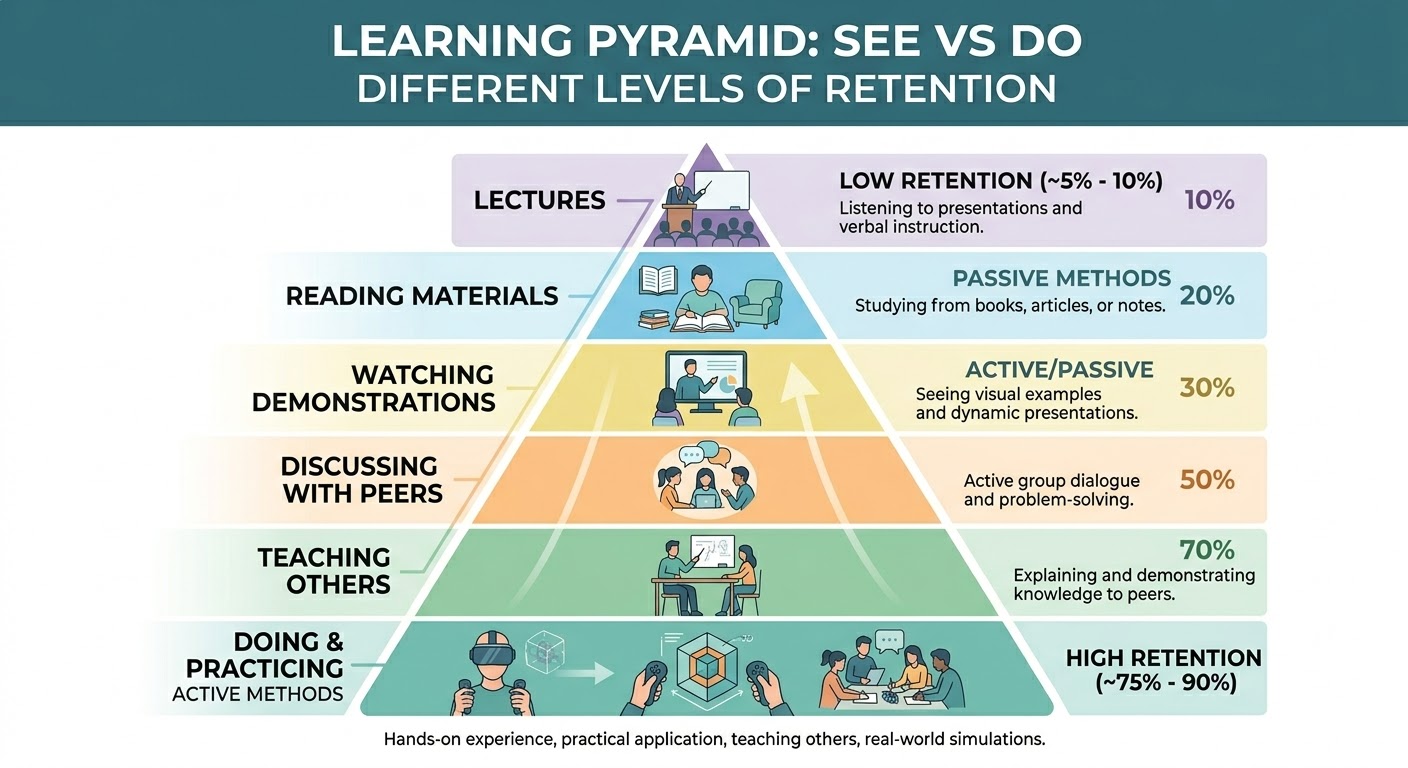
Virtual Reality is particularly effective as a learning tool because it combines immersion, interaction, and repetition. These characteristics support deeper understanding and skill acquisition.
Simulation-Based Learning
VR allows students to practice situations that would otherwise be hard, risky, or costly to reproduce in real environments. By simulating real-world scenarios, students learn through direct experience rather than through observation or theoretical explanation alone.
Safe Practice Environment
One of the key advantages of VR is that it provides a safe space for learning. Students can make mistakes without facing real-world consequences, which encourages experimentation and exploration. Actions can be repeated multiple times until the learner feels confident and competent.
Procedural and Step-by-Step Training
VR is especially well suited for teaching procedures and protocols. Students can follow guided, step-by-step processes within a controlled environment, reinforcing correct sequences and best practices through repetition and hands-on interaction.
Types of VR setupReference
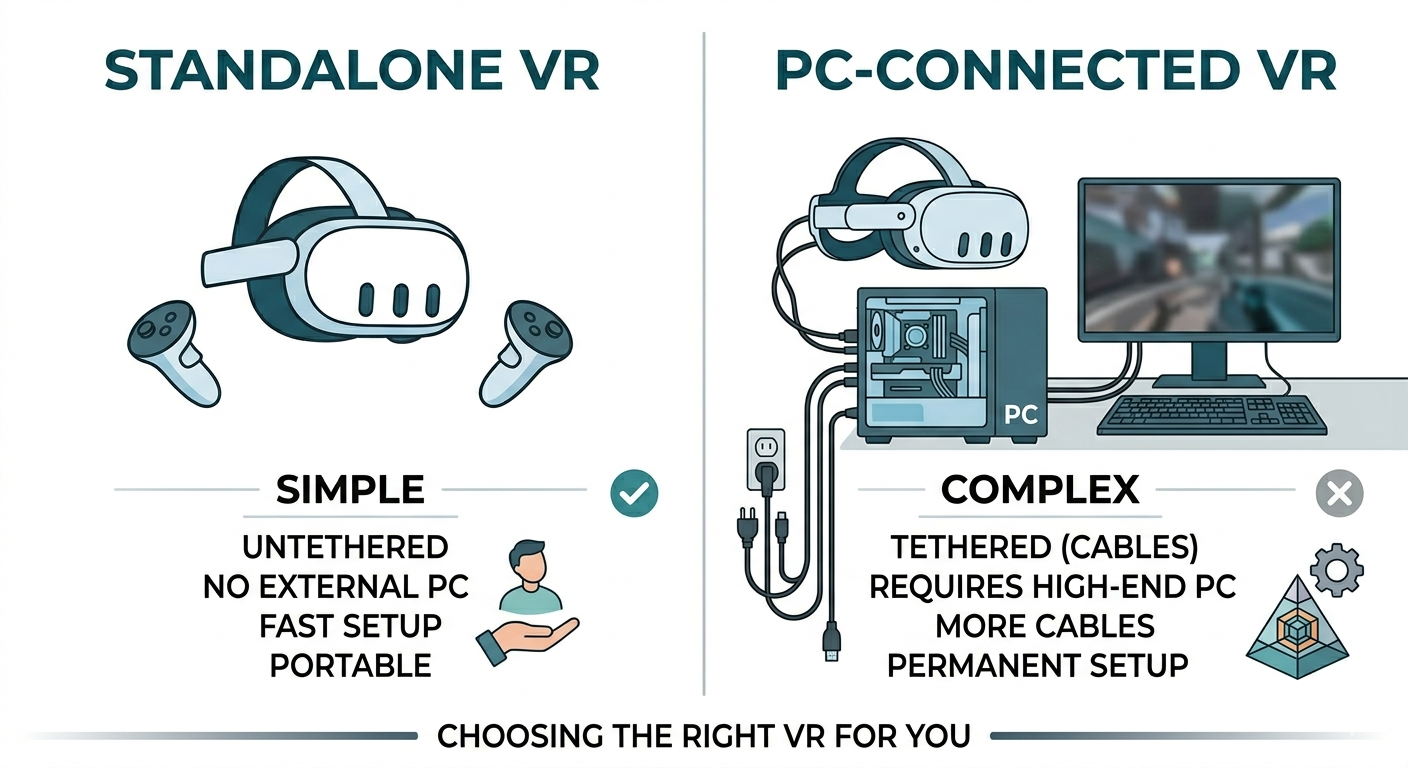
There are different types of VR setups available, each with its own advantages and limitations in educational settings.
Standalone VR
Standalone VR headsets operate independently and do not require an external computer. This makes them easier to deploy and manage in classrooms, as they involve fewer cables, simpler setup procedures, and lower technical overhead. For most educational environments, standalone VR is the most practical and scalable option.
PC-Connected VR
In this setup, the VR headset is connected to a powerful computer. This allows for higher graphical quality and more complex experiences. However, it also introduces additional complexity, including cables, hardware requirements, and longer setup times. As a result, PC-connected VR is generally less practical for everyday classroom use.
📎 Further reading: Meta Quest 3S — get started | Compare Meta Quest headsets
VR use cases in the classroomEssential
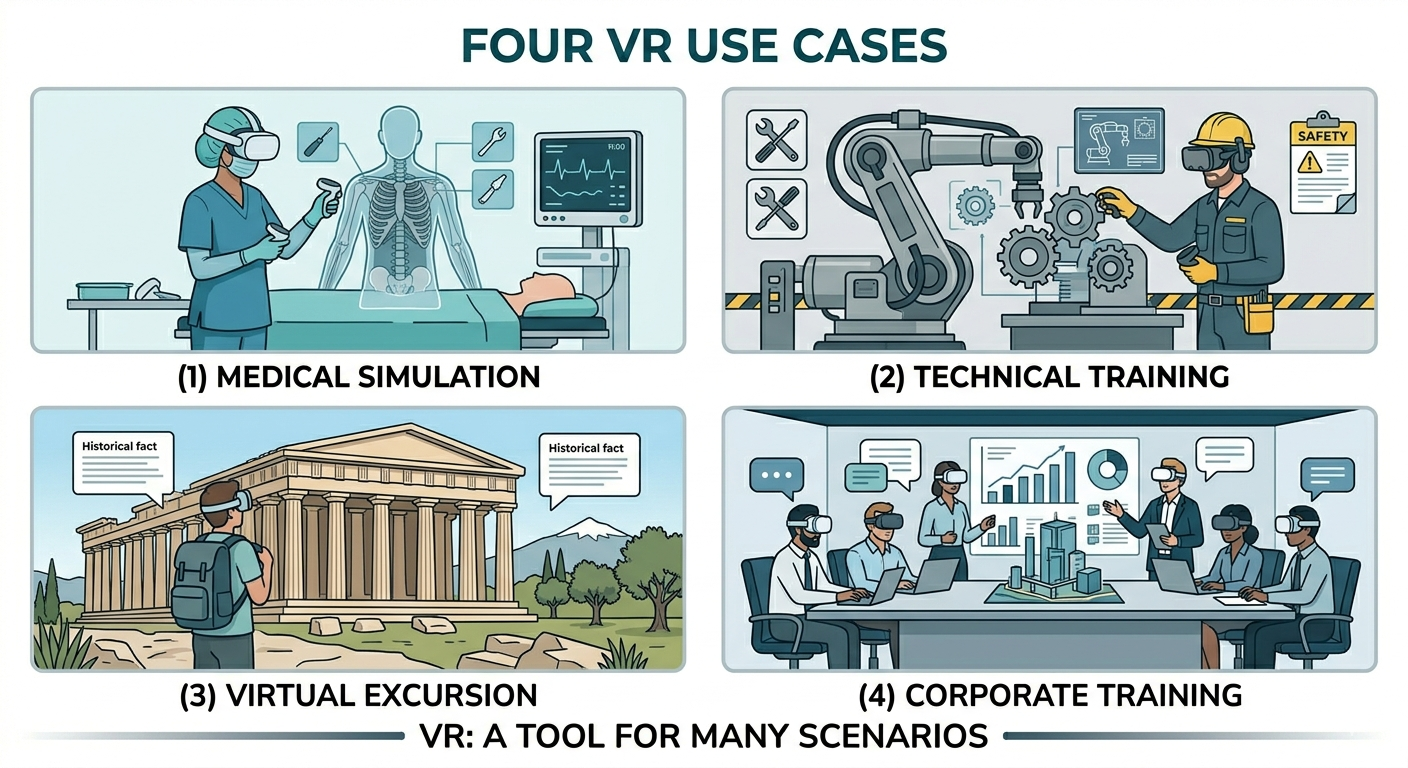
VR is already being used across a variety of educational levels and professional training contexts. Understanding what works in practice helps instructors plan better.
Healthcare and Medical Training
- Practicing emergency response procedures (triage, CPR, trauma management).
- Surgical hand hygiene and sterile technique training.
- Virtual anatomy exploration — students can examine 3D organs, systems, and structures from any angle.
- Patient interaction simulations — practicing communication and diagnosis.
Vocational Training (FP / Technical Education)
- Equipment operation and maintenance in industrial environments.
- Safety protocol training in factories, construction sites, or laboratories.
- Electrical, plumbing, or mechanical procedure walkthroughs.
Secondary and Higher Education
- Virtual field trips to historical sites, ecosystems, or space.
- Science lab simulations — chemistry experiments, physics demonstrations.
- Language learning through immersive conversational scenarios.
Corporate and Professional Training
- Onboarding and company orientation.
- Customer service and conflict resolution role-play.
- Crisis management and leadership decision-making simulations.
Key principle
The strongest VR use cases in education involve doing, not just watching. If students are only observing a 360° scene without interacting, you may not be using VR's full potential.
What is Augmented Reality (AR)?Reference
Definition
Augmented Reality (AR) is a technology that overlays digital information onto the real world instead of replacing it. When using AR, students continue to see their physical environment, including the classroom, their hands, and other people, while digital elements are added on top of that reality.
Key Difference Between AR and VR
The fundamental distinction between these technologies lies in their relationship to reality. While VR replaces the real world entirely, AR enhances it by adding contextual digital content without removing the physical environment.
AR use cases in the classroomReference
AR is particularly useful when learning involves the real world and benefits from added digital context. Here are practical applications by area.
Science and Biology
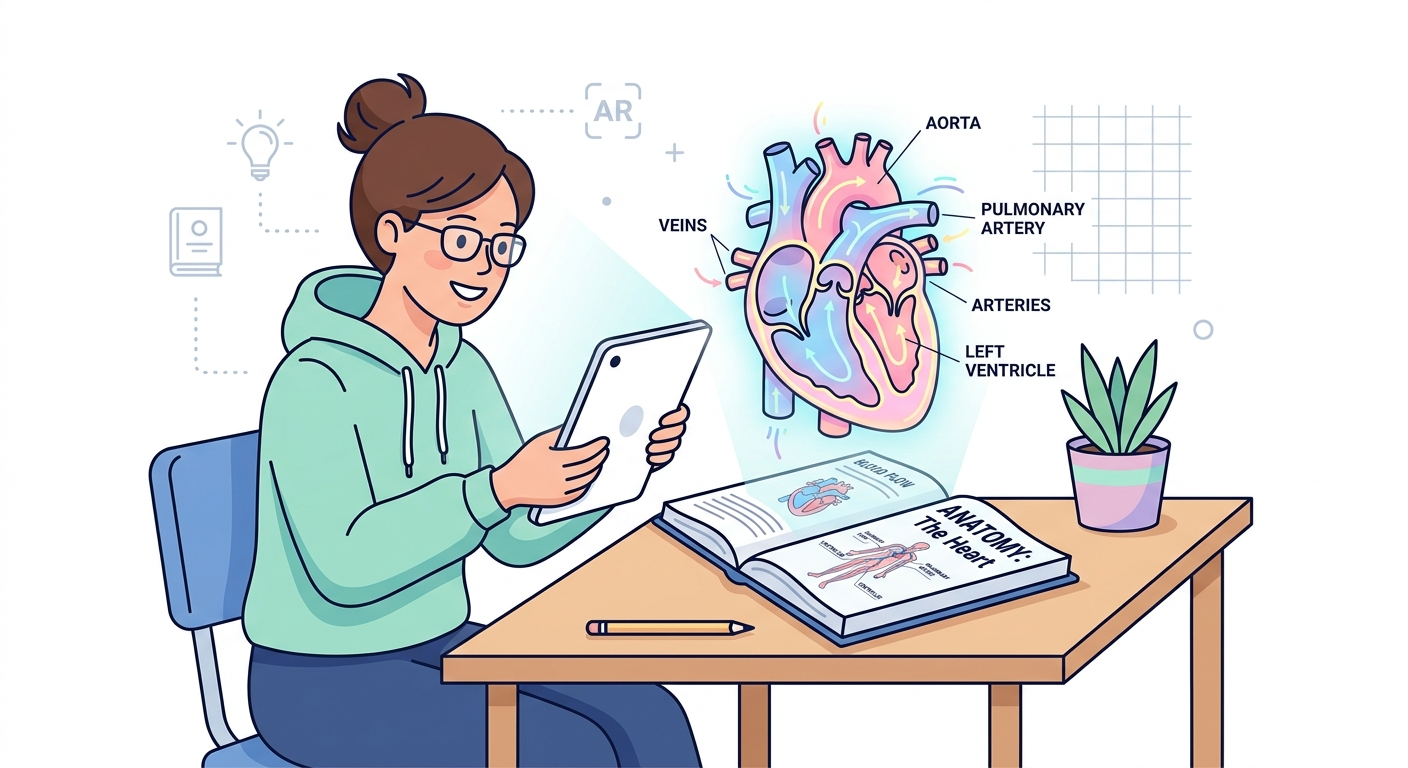
- Pointing a device at a physical model (e.g., a skeleton) and seeing labels, organ systems, or animations overlaid on it.
- Visualizing molecular structures or chemical reactions in 3D on a classroom table.
Technical and Vocational Training
- Overlaying step-by-step instructions on real equipment during maintenance or assembly tasks.
- Displaying safety warnings or procedural checklists on machinery in context.
History and Geography
- Scanning a textbook page or poster to trigger a 3D model of a historical monument or terrain.
- Walking through a space and seeing historical context overlaid on the physical environment.
Language Learning
- Labeling real objects in the classroom with vocabulary in the target language.
- Interactive flashcards triggered by pointing a device at everyday items.
General Classroom Support
- Supporting teacher explanations with 3D models that students can view from their seats.
- Presenting contextual information while students perform real-world tasks.
Key difference from VR
AR works best when the physical environment is part of the learning. Students stay connected to reality, making it easier to collaborate and discuss in real time.
When AR makes more sense than VRReference
Choosing between AR and VR depends on the learning objective, the classroom setup, and the type of interaction you want students to have.
When AR makes more sense than VR
- Collaboration is required: AR lets students see each other and work together physically while digital content enhances the task. VR isolates each user.
- Physical objects are involved: If learning requires touching, manipulating, or observing real objects (lab equipment, tools, models), AR adds information without removing the real world.
- Full immersion is not necessary: For quick annotations, visual aids, or contextual overlays, AR is lighter and faster to deploy than VR.
- Large groups with few devices: AR typically works on phones and tablets, making it accessible to more students simultaneously without specialized headsets.
- Short interactions: If the learning moment is brief (30 seconds to 2 minutes), AR is more practical than putting on and taking off a VR headset.
When VR is the better choice
- The learning goal requires full immersion (practicing a procedure, experiencing a simulated environment).
- Students need to be isolated from distractions to focus on a task.
- The scenario cannot be replicated physically (dangerous environments, historical events, microscopic worlds).
Decision rule
Ask yourself: Does the student need to be inside the experience, or does the experience need to be added to the student's real world? If inside → VR. If added → AR.
What is Extended Reality (XR)?Reference
What XR Means
Extended Reality (XR) is an umbrella term that encompasses Virtual Reality (VR), Augmented Reality (AR), and other immersive and spatial computing technologies.
Why We Use the Term "XR" in Education
In educational contexts, the focus is not on the technology itself, but on how it supports learning. The term XR allows educators and institutions to prioritize learning goals, teaching contexts, and student needs, rather than committing to a single type of immersive technology. It provides a flexible framework for choosing the most appropriate solution for each educational scenario.
📎 Further reading: What is XR? — W3C Immersive Web | Meta Quest for Education